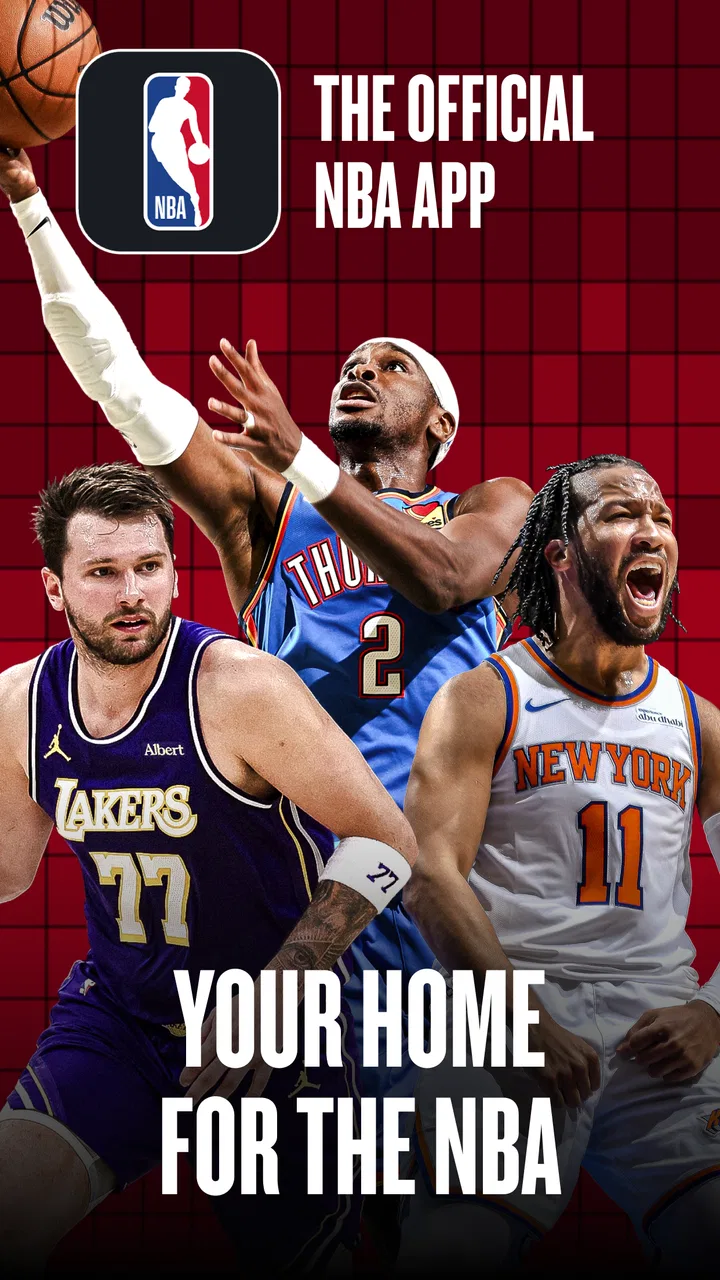
NBA: Live Games & Scores
- 4.6
- Rating
- 50.00M
- Installs
- Free
- Price

 Analysis by App-foxy
I noticed the difference with NBA: Live Games & Scores most clearly on a busy game night. Instead of opening several sports pages, checking a social feed, and then trying to work out whether a score has changed, I can use one basketball-focused app to follow what matters to me. It is a free sports app from NBA Properties, Inc., built around access to NBA coverage and live games through NBA League Pass.
That focus makes it easy to understand, but it also sets the right expectation: this is not a general sports hub and it is not a replacement for every kind of basketball conversation. Its value depends heavily on a reliable connection, especially when I am watching live information change. When the network behaves, the app feels direct and useful. When the connection struggles, the experience becomes much less comfortable, so the way I use it matters almost as much as the features themselves.
How the app feels when the network is doing the work
The central appeal is immediacy. Live sports information is only useful when it arrives close to the moment it happens, and this app is designed around that expectation. I use it when I want to keep up with NBA action without committing my entire evening to a television broadcast. A quick check during a break can tell me whether a game is still close, whether the result has changed, or whether it is worth finding a larger screen.
You May Also Like

 AccuWeather: Weather Radar
AccuWeather Review: A Quick, Clear Forecast for Everyday Decisions
For everyday plans, the best forecast is the one you can understand quickly. AccuWeather makes rain timing, radar, and local conditions easy to act on, with a few trade-offs.

 Hill Climb Racing
Why Hill Climb Racing Still Turns Crashes Into One More Run
A tiny car, a bumpy hill and one more upgrade: Hill Climb Racing keeps resurfacing because its simple chaos makes every near-miss feel personal.

 AliExpress - Shopping App
AliExpress Makes Global Shopping Feel Personal, but Shoppers Bear the Risk
AliExpress turns a global marketplace into a pocket-sized discovery engine. Its reach is useful, its shopping loop compelling, and its trade-offs easy to miss.

 Lords Mobile: Kingdom Wars
Lords Mobile Is a Kingdom-Building Routine, Not a Quick Match
A case-by-case verdict on the building, battles, device demands, and social commitments that make Lords Mobile rewarding for some players and exhausting for others.

 PDF Scanner app - TapScanner
TapScanner Makes Paperwork Easier to Capture, Check, and Share
TapScanner makes scanning with a phone feel less like a rescue operation and more like a dependable step in getting work done. Its capture tools are useful, though not flawless.

 Block Blast!
 Shows How Much a Puzzle Game Can Leave Out
A quiet grid game shows why puzzle players increasingly value instant clarity, repeatable skill and low-pressure play—and where the genre still needs to catch up.
More From Our News Desk
View All News


The connection is not just a background technical detail here. It shapes the whole rhythm of the app. A strong connection makes the experience feel active because the information can keep moving while I watch. A weak or inconsistent connection turns a live session into a series of pauses and checks, which is frustrating precisely because the content is supposed to be timely.
That makes NBA: Live Games & Scores particularly suitable for people who already follow the league and want a dedicated place for NBA activity. It is also useful for someone who watches selected games rather than every fixture. I can treat it as a companion during a broadcast, a quick scoreboard during work, or a way to decide which game deserves my attention next.
The app has a 4.4 average from around 243 thousand ratings, and its broad adoption is understandable. It is free to install, carries an Everyone age rating, and has passed the ten-million-install mark. Those details make it approachable for casual fans, families, and regular followers alike, although the free entry point should not be confused with unlimited access to every premium part of the NBA experience.
What I use it for during a live game
My most practical workflow is simple. I open the app before a game begins, check the live section, and then leave it available while doing something else. If I am cooking or commuting as a passenger, I do not need a full television setup to remain aware of the contest. The app works best in that supporting role: it keeps the game close without demanding all of my attention.
For a more serious viewing session, NBA League Pass is the important distinction. The app provides a route to live games through that service, but access can involve in-app purchases ranging from $0.99 to $399.99 per item. I would therefore check the purchase screen carefully before confirming anything, particularly if I only want occasional access rather than a broader subscription-style commitment.
One useful habit is to decide what I actually need before opening the app. If I only want a score, I avoid turning a quick check into a long browsing session. If I want to watch, I make sure I am ready for a video-focused experience and that my connection is suitable. This small separation prevents disappointment and helps me judge the app on the task I chose instead of expecting it to be everything at once.
Why mobile context changes the experience
On a phone, the app makes the most sense in short, interrupted moments. I might be waiting for a train, sitting in a café, or checking the result while friends are discussing another game. Those situations reward a focused sports app because I do not have to navigate through unrelated leagues or entertainment sections. The NBA-only identity is a strength when my question is specifically about NBA action.
At the same time, a phone is not always the ideal screen for extended live viewing. The smaller display can make a long session less comfortable, and live video naturally asks more from the device and network than a simple score check. I see the app as flexible rather than universally convenient: excellent for staying connected while moving around, but less compelling if my main goal is a relaxed, large-screen viewing setup.
A realistic example is a weekday evening when I am preparing dinner during a close game. I can glance at the app between tasks, follow the changing situation, and decide whether to pause what I am doing for the final stretch. That is a better use case than trying to watch continuously while the phone is being handled, the connection is shared with other devices, or attention is divided between the app and household responsibilities.
Another mobile advantage is portability between different kinds of attention. I can use the same app as a quick reference before a conversation, a live companion during a broadcast, or a way to catch up after missing part of a game. The trade-off is that every one of these uses depends on current network access. I would not plan a live session around the assumption that the app can work independently of connectivity.
Where connection problems become visible
When a live feed hesitates, the problem is more noticeable than it would be in a static sports article. I am not only waiting for a page; I am waiting for an event that may already have changed. A delayed update can make me unsure whether the game is genuinely quiet or whether the app is simply catching up. That uncertainty is the main weakness of any network-dependent live sports experience, and it is especially relevant here.
I handle that by avoiding frantic repeated refreshes. If the screen appears stuck, I give the connection a moment, check whether other online apps are responding, and then reopen the relevant part of the app if needed. Constantly retrying can waste data and battery without making the information arrive faster. A calmer recovery routine is more useful than treating every pause as an app failure.
There is also a difference between a brief interruption and a poor connection throughout the whole session. A short drop may be manageable if I only need to check a score. It is much more disruptive when I am trying to follow live video. For that reason, I would test the app in the place where I expect to use it before paying for a longer viewing commitment. A service can feel excellent at home and much less dependable in a crowded public space.
If I lose connectivity at an important moment, I do not assume that the next screen will instantly restore the exact context I was following. I first return to the main live area, identify the game again, and allow the current information to load. This is a small but practical recovery method: it reduces the chance of mistaking an old screen for a current one.
Managing data during scores and live viewing
Not every use of the app has the same data cost. A quick score check is a lighter habit than watching live games, so I treat those activities differently. When I am on mobile data, I use the app mainly for essential updates and save longer viewing for a connection I trust. This is not a criticism of the app; it is simply the sensible trade-off created by live sports video.
I also avoid leaving a live screen open when I have stopped actively following it. If I am called away from the game, I close or leave the session rather than letting it continue unnoticed. That habit helps me stay aware of data use and avoids turning a short check into an accidental long session. It is particularly important for people with limited data allowances or expensive roaming arrangements.
For fans considering League Pass access, the purchase decision deserves the same practical thinking. The in-app purchase range is wide, so I would read the exact offer, understand whether it matches my viewing habits, and avoid buying simply because a game is starting. Someone who watches only occasional highlights or checks scores may get better value from the free side of the app, while a committed viewer may find live access more relevant.
The app is also better when I treat connectivity as part of the viewing setup. I close unrelated high-bandwidth activity, use a stable network when possible, and keep the phone positioned where its connection is dependable. These are ordinary steps, but they matter more here than in a typical news or reference app because the experience is built around information arriving at the right time.
How it compares with ordinary alternatives
A general sports app can be more convenient for someone who follows football, tennis, motorsport, and basketball in the same place. Those services often win when the goal is one broad dashboard across many competitions. I would choose that kind of alternative if NBA is only one small part of my sports routine.
Social networks are useful for reactions, commentary, and fan discussion, but they are less controlled as a live information source. The conversation can be entertaining, yet it may also bury the update I actually need. NBA: Live Games & Scores feels more purposeful when I want the league itself rather than a constantly changing stream of opinions.
Television and larger streaming setups remain better for a comfortable, uninterrupted viewing session. The app’s advantage is mobility and immediacy, not necessarily the most relaxing presentation. I like having it beside another viewing option, especially when I want a quick status check without changing what is on the main screen.
There is also a difference between an unofficial score tracker and an official NBA-focused product. A lightweight tracker may be faster for a single result and may avoid the temptation to explore more content. This app is the better fit when I want a connection to the wider NBA viewing experience, including the route to League Pass, rather than only a number on a scoreboard.
Who should install it, and who should skip it
I would recommend it to NBA followers who want a dedicated mobile companion, people who check games in short bursts, and viewers who appreciate having live access and league information in one place. It is also a sensible starting point for someone who wants to explore NBA coverage before deciding whether paid viewing is worthwhile.
I would be more cautious if my internet access is unreliable, my mobile data is tightly limited, or I only want a completely free way to watch every game. The free installation is inviting, but the presence of in-app purchases means I would not assume that all viewing options are included at no cost. A general score app may be sufficient for someone who never watches live video.
The developer is NBA Properties, Inc., and the app has been available since October 27, 2020. Its age rating of Everyone makes it broadly accessible, but accessibility does not remove the need for sensible purchase decisions or a suitable connection. Those practical details are more important to satisfaction than the simple fact that the app costs nothing to download.
My connectivity verdict
After using NBA: Live Games & Scores as a mobile sports companion, I see its strongest quality as focus. It gives NBA fans a direct way to stay close to live action, especially when they are away from a television or only have a few minutes to check what is happening. The app feels most valuable when I use it intentionally: scores for quick moments, live viewing when the connection and budget make sense, and League Pass as a considered purchase rather than an automatic upgrade.
The key trade-off is simple: convenience rises with a dependable connection, while frustration rises quickly when the network cannot keep up. That makes this a good recommendation for connected NBA followers, but not a universal replacement for television, a multi-sport tracker, or a lightweight score-only tool.
For me, the best role is the one I return to repeatedly: a reliable pocket companion for game nights, travel, breaks, and those moments when I need to know what is happening without rearranging my whole day. If that matches your habits, the free entry point makes it easy to try. Just keep the live, network-dependent nature of the experience in mind before choosing paid viewing.
In short, NBA: Live Games & Scores earns its place on my phone because it connects mobile convenience with the league I actually want to follow. I would install it for focused NBA access, use it carefully on mobile data, and compare its League Pass options with my real viewing routine before spending money.
FAQs for NBA: Live Games & Scores
01What features does the NBA: Live Games & Scores app offer?
The NBA: Live Games & Scores app provides real-time updates on games, including live scores, play-by-play details, and player statistics. Users can watch game highlights, follow their favorite teams, and receive personalized notifications. The app also offers exclusive NBA news, interviews, and insights to enhance the fan experience.
02Is the NBA: Live Games & Scores app free to use?
Yes, the app is free to download and offers several features at no cost. However, some premium features, such as live streaming of certain games or access to exclusive content, may require a subscription or in-app purchase. Users should check the app store for detailed pricing information.
03Can I customize notifications in the NBA: Live Games & Scores app?
Absolutely. The app allows users to customize notifications based on their preferences. You can choose to receive alerts for specific teams, game start times, score updates, or breaking news. This feature ensures that fans stay informed about the aspects of the NBA that matter most to them.
04Does the NBA: Live Games & Scores app offer live streaming?
The app does provide live streaming for select games, but access to live streams may require a subscription or be subject to regional restrictions. Users can also enjoy video highlights, recaps, and interviews within the app, providing a comprehensive viewing experience even if live streaming isn't available.
05On which devices is the NBA: Live Games & Scores app available?
The NBA: Live Games & Scores app is available on both Android and iOS devices. It supports a wide range of smartphones and tablets, ensuring that fans can access NBA content on their preferred devices. Users should ensure their device meets the app's system requirements for optimal performance.
Pros
- Real-time game updates and notifications.
- Comprehensive player and team stats.
- User-friendly interface and navigation.
- Customizable favorite teams and players.
- High-quality video highlights available.
Cons
- Limited access to premium features.
- Ads can be intrusive during use.
- Requires stable internet connection.
- Some features locked for non-subscribers.
- Occasional lag in live game updates.

NBA: Live Games & Scores
Gallery